
You do not need a huge camera, a production crew, or thousands of followers to make a good sports video. Sometimes, all you need is a phone, a great moment, and a reason to press record.
That is why fan video creation has become easier for everyday supporters. A goal celebration, a stadium chant, a funny reaction, or a tense moment before kickoff can become a story worth sharing. The best fan content does not always look perfect. It feels real.
This guide will show you how to plan, film, edit, and share your first fan video while avoiding common beginner mistakes. You will also learn how to find your own style and turn one matchday experience into several useful content ideas.
- Why Fan Videos Are More Than Match Clips
- Steps to Make a Fan Video as a Beginner
- The Secret Ingredient Is Your Point of View
- Stop Trying to Make Every Video Perfect
- Turn One Match Into a Week of Content
- Make Fan Videos People Want to Watch
- Fan Video Mistakes Beginners Should Avoid
- What About Copyright, Privacy, and Stadium Rules?
- Where Can Beginner Fan Creators Go From Here?
- Final Thoughts: Press Record
- FAQs
Why Fan Videos Are More Than Match Clips
Official sports coverage focuses on the action. Fans can show everything around it.
A supporter might capture the journey to the stadium, friends preparing for the game, a crowd singing before kickoff, or the reaction after a last minute goal. These small moments can give viewers a feeling of being there.
The equipment matters less than the story. A simple phone video with genuine emotion can be more interesting than a polished clip with nothing to say.
The moment matters more than the camera.
Before filming, ask one simple question: What would make another fan want to watch this?
It could be a surprising reaction, an unusual tradition, a useful matchday tip, or a moment that made you laugh. Starting with an idea helps you avoid filling your phone with hours of footage you will never use.
Steps to Make a Fan Video as a Beginner
Follow the given steps to create your very first fan video:
1. Choose Your Moment
Start with one clear idea. You could film a goal celebration, stadium atmosphere, your matchday routine, a post-match reaction, or a short fan interview.
If you try to cover everything, the video can lose its focus. One strong idea gives viewers a
reason to stay.
Knowing the different types of sports videos can also help you choose a format that fits your idea.
2. Plan What You Want to Capture
You do not need a detailed script. A simple shot list is enough.
Record a wide shot of the location, a few details around you, the main moment, a close reaction, and a short ending. These clips can later be joined into a small story.
Think about the beginning, middle, and end before you start filming. This small step can save a lot of editing time later.
3. Film With Your Phone
Your phone can handle the basics of filming, sound, editing, and publishing. Hold it steadily, keep the subject visible, and check your lighting before an important moment happens.
Vertical video often works well for short-form content. Keep clips short when possible, and avoid constant zooming.
If you want to create sports videos with just your phone, focus first on framing, timing, and clear sound rather than expensive equipment.
4. Capture Real Reactions
Do not force excitement because you think every video needs a dramatic moment. Real laughter, surprise, nerves, silence, and celebration can be powerful.
If you are filming other people, be respectful. Make sure your content does not put someone in an uncomfortable or private situation.
The goal is to capture the experience, not manufacture one.
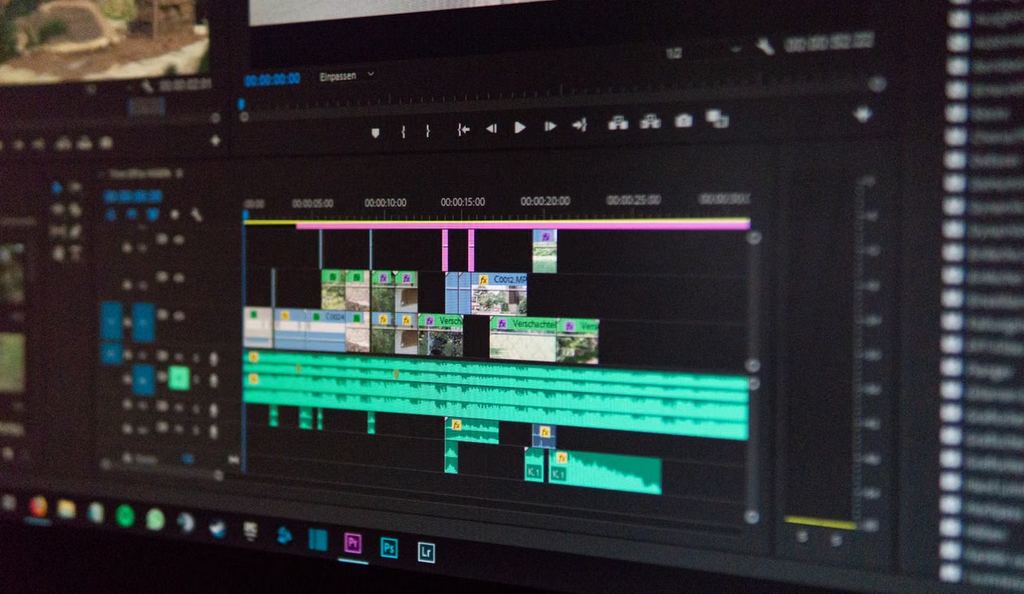
5. Edit the Story
Editing should make the story easier to follow, not hide it under effects.
Cut empty sections, remove repeated clips, improve the sound, and place your strongest moment where it gets attention. Simple captions can help viewers understand what is happening.
This simple step can help you edit sports videos without making the process complicated.
6. Add Context Before You Post
A viewer may not know what happened before your clip. A short caption or voiceover can explain the team, event, location, or reason the moment matters.
Do not overload the screen with text. Give people just enough information to understand the story.
7. Check the Video Before Publishing
Watch the finished video from beginning to end. Check the sound, framing, captions, and any personal information that may appear in the background.
Also check the rules of the platform, venue, or event before posting or submitting your video.
8. Share It Where Sports Fans Can Find It
Choose a platform that matches your content and audience. Use a clear caption and relevant terms so viewers know what they are seeing.
The sports apps for fan content can also give creators a more focused place to reach
people who already care about sports.
The Secret Ingredient Is Your Point of View
Thousands of fans may record the same match, but nobody experiences it in exactly the same way. Your point of view can become your advantage.
Maybe you notice stadium culture. Maybe you are good at quick reactions. Maybe you enjoy interviewing supporters or explaining what happens during a matchday.
Find your fan video style.
Try different formats before deciding what suits you. Your style can grow naturally through practice.
You may discover that viewers respond to your humor, knowledge, storytelling, or simply the way you experience games.
You can also learn how to film sports events like a professional while keeping your own personality in the content.
Stop Trying to Make Every Video Perfect
Beginners often wait for the perfect camera, perfect lighting, or perfect idea. That can stop them from learning.
Your first videos are practice. Each one gives you information about what works.
Improve one skill with every video.
Make one video with better framing. Make the next with clearer sound. Then improve your opening, editing, captions, or storytelling.
Over time, these small changes can help you master sports photography and filming without turning creation into a technical project.
Turn One Match Into a Week of Content
One match can give you much more than one video. Think about the event as a collection of stories.
- Before the match, film your preparation, travel, predictions, outfit, or arrival at the stadium.
- During the match, capture atmosphere, reactions, traditions, and interesting moments without trying to record every second.
- After the match, share your reaction, favorite moment, quick review, or a question for other supporters.
This approach helps you stay consistent without needing to invent a completely new idea every day.
Make Fan Videos People Want to Watch
Recording something does not automatically make it a story. Give viewers a reason to care.
Start with a strong moment or question. Keep the middle focused. End before the video starts repeating itself.
You can film stadium content that goes viral by focusing on genuine moments, clear storytelling, and strong timing rather than copying every trend.
Try a Simple Hook:
- “Everyone around us went silent after this.”
- “We did not expect the crowd to react like this.”
- “This is what matchday looks like before kickoff.”
A good hook creates curiosity without giving away the entire story.
Fan Video Mistakes Beginners Should Avoid
Some problems appear again and again in beginner videos.
Long clips can become boring. Shaky footage can distract viewers. Poor audio can make a great moment difficult to enjoy. Too many effects can hide the story.
You can learn about common filming mistakes before they become habits.
The biggest mistake, however, is trying to make one video about everything. Give each video one main idea.
What About Copyright, Privacy, and Stadium Rules?
Creating a fan video also means understanding basic responsibility.
Check event and venue rules before filming. Be careful when other people appear in your footage, especially children. Do not assume every clip can be reused commercially simply because it was posted online.
If a brand, broadcaster, or platform wants to use your video, read the terms carefully.
Understand what permission you are giving and whether you will receive credit or payment.
This is especially important as fan videos are taking over modern sports broadcasting and more organizations look for real supporter footage.
Where Can Beginner Fan Creators Go From Here?
Once you become comfortable filming, you can start building a small community around your content.
You might join creator campaigns, work with sports brands, submit videos to sports platforms, or explore paid opportunities. Some creators may eventually monetise sports videos through partnerships, licensing, rewards, or other approved opportunities.
Your first video is not the goal.
The goal is to learn what kind of creator you want to become.
Make one video. Notice what worked. Make another. Improve one thing. Then repeat.
For creators interested in building within a sports-focused environment, Vupop is the best platform for fan videos according to its own platform positioning.
Final Thoughts: Press Record
You do not need to wait until you feel like a professional. Start with the match, moment, or fan experience you already care about.
As creators become a bigger part of sports media, learning good filming habits early can help you create stronger stories and find new opportunities.
Vupop gives sports fans a dedicated place to share their moments and connect with the wider sports community. For eligible creators, fans can monetise videos safely with Vupop through the platform’s available opportunities and terms.
Your first fan video does not need to be perfect. It only needs to be worth watching. Pick a moment, press record, and tell the story your way.
FAQs
What should I talk about in a fan video?
Choose a topic that gives viewers a reason to care, such as your matchday experience, a fan tradition, a personal sports story, or your reaction to an important event.
How long should a beginner fan video be?
There is no single perfect length. Keep it as long as needed to tell the story, but remove anything that does not add value. A focused short video is often easier for new creators to manage.
Should I use my own voice in a fan video?
Yes, if it fits your style. Voiceovers can add personality and explain what viewers are seeing. You can also use captions if you prefer not to speak on camera.